Using AI to Write SOPs: What It Does Well and Where It Fails
By Debbie Cuha, November 11, 2026. 6 min read
Yes, AI can write the first draft of an SOP, and it is good at it, as long as you give it a transcript of the real task and not a blank request. It cannot supply your standards, your owner or your rules. Use it as a fast typist with good formatting. Do not use it as the operator.
Key takeaways
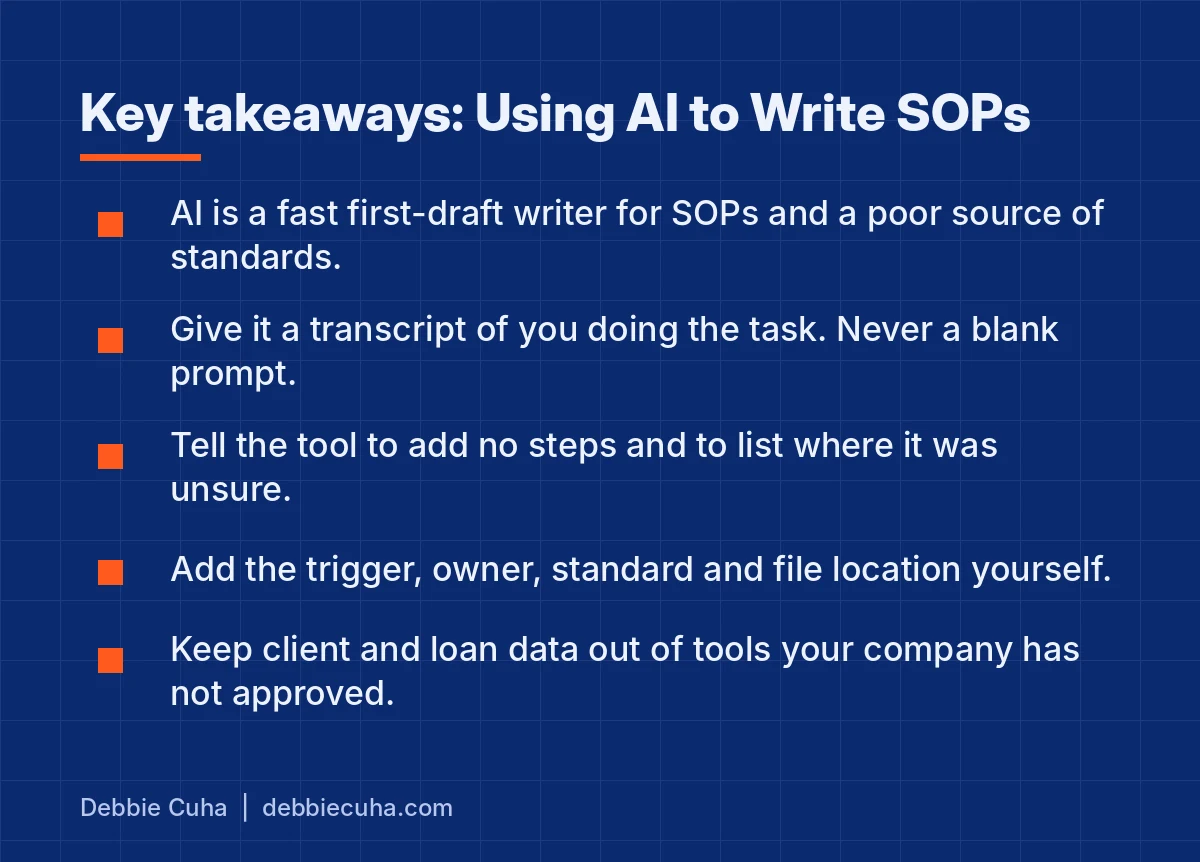
- AI is a fast first-draft writer for SOPs and a poor source of standards.
- Give it a transcript of you doing the task. Never start from a blank prompt.
- Tell the tool to add no steps and to list every place it was unsure.
- Add the trigger, the owner, the standard and the file location yourself.
- Keep client and loan data out of any tool your company has not approved.
I have written procedures for 280 offices. The writing was never the hard part. Knowing what the standard should be, and getting people to run it on the worst day of the month, was the hard part. AI helps with the typing.
What does AI do well when it writes an SOP?
It turns a messy description into clean, ordered, consistently formatted steps in seconds. That is real work it takes off your plate.
- Turns a voice recording or a screen-share transcript into numbered steps
- Catches steps that are out of order
- Rewrites jargon so a new hire can follow it
- Formats every SOP the same way
- Drafts the checklist version from the long version
Where does AI fail?
It fails wherever the answer lives only in your business. It fills those gaps with something that sounds reasonable.
- It invents steps that are wrong for your business.
- It does not know your state's rules, your broker's policies or your lender's overlays.
- It writes generic standards such as "respond promptly" when your standard is five minutes.
- It has no idea who on your team owns the task.
An SOP that sounds professional and is wrong is worse than no SOP, because people trust it.
Should you start from a blank prompt, your notes or a transcript?
A transcript of you doing the task, out loud, once. A blank prompt gets you the internet's procedure, not yours. Notes get you the steps you remember, which are never all of them. A recording catches the steps you do without thinking.
What is the workflow?
Seven steps: record, transcribe, prompt, check, add, test, publish. For a short task the drafting takes about 20 minutes. The test takes as long as the task does.
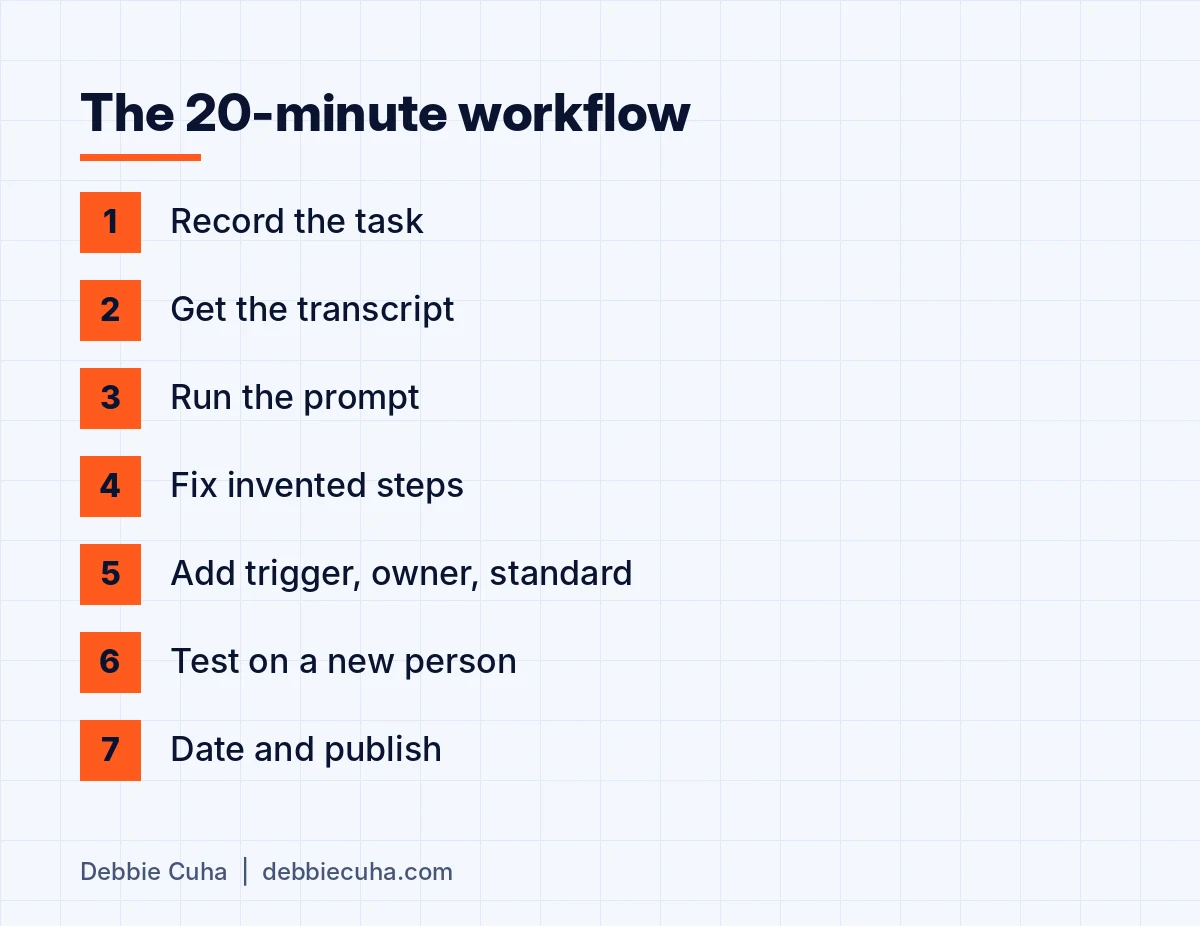
- Record yourself doing the task once, talking out loud. A screen recording with audio, or a voice memo.
- Get the transcript.
- Paste it into your AI tool with the prompt below.
- Read the draft against what you actually do. Fix every invented step.
- Add the four things only you know.
- Hand it to someone who has never done the task and watch them follow it.
- Date it and publish it.
Steps 4 through 6 are the job. Do not skip them because the draft looks finished.
What prompt should you use?
One that limits the tool to the transcript and makes it tell you where it guessed. Copy this.
Here is a transcript of me performing a task. Turn it into a one-page SOP
with these sections:
Purpose (one sentence)
Trigger (what starts it)
Owner (leave blank)
Steps (numbered, each starting with a verb, one action per step)
Standard (leave blank for me to fill in)
Checklist (the steps as checkboxes)
Use only what is in the transcript. Do not add steps.
At the end, list any place where the transcript was unclear
or a step seems to be missing.
The last two lines matter most. You want the tool to tell you where it is guessing, not to cover the gap.
How do you check the draft?
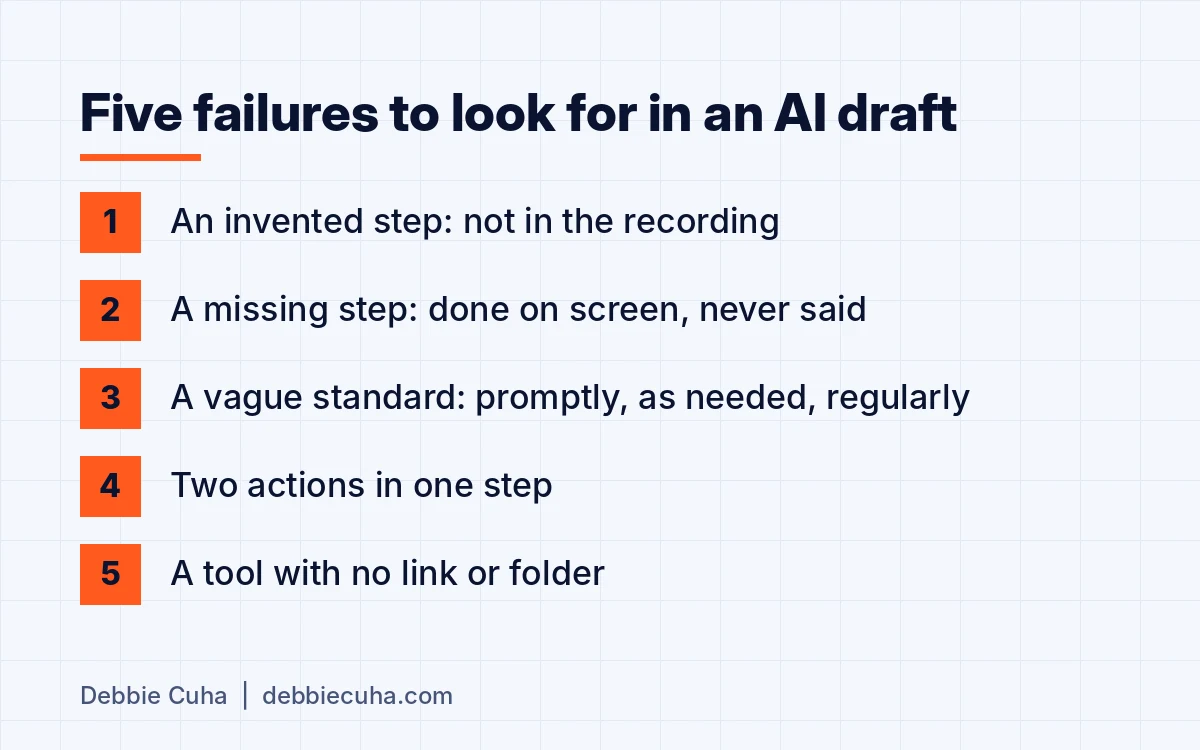
Read it line by line against the recording, looking for five specific failures. Reading for "does this sound right" finds nothing, because AI drafts always sound right.
| What to look for | How to catch it | Fix |
|---|---|---|
| An invented step | It is not in the recording | Delete it |
| A missing step | You did it on screen and never said it | Add it, in order |
| A vague standard | "Promptly", "as needed", "regularly" | Replace with a number or a time |
| Two actions in one step | The word "and" in the step | Split it |
| A named tool with no location | "Update the tracker" | Add the link or the folder |
What do you have to add yourself?
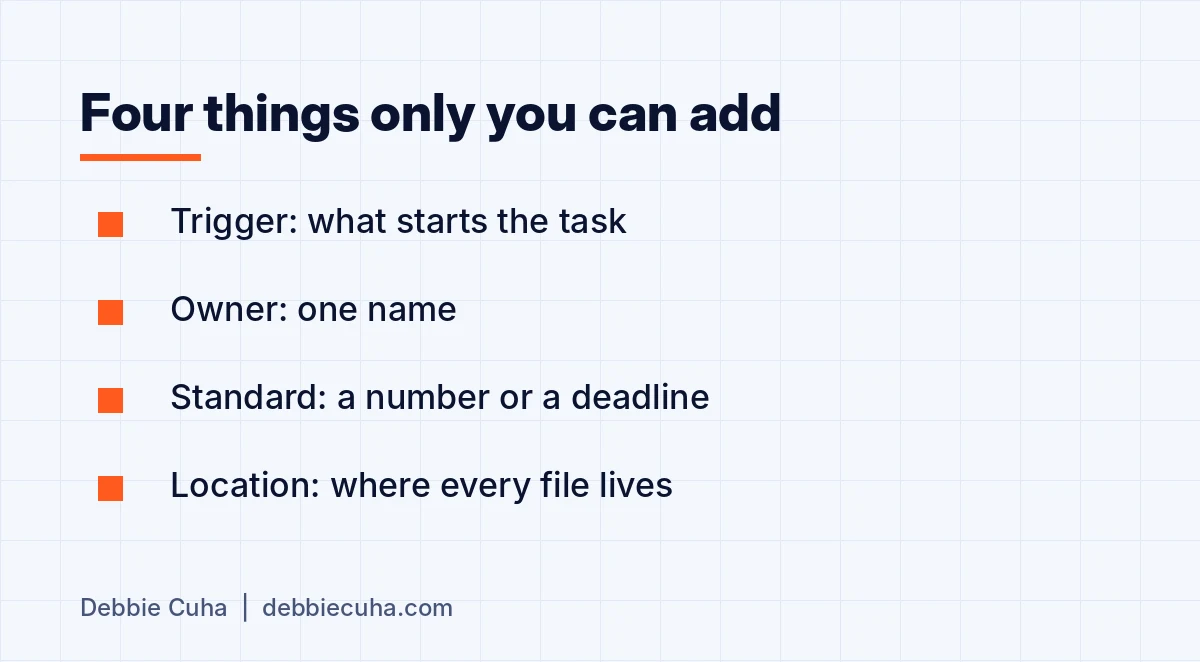
Four things the transcript does not contain: the trigger, the owner, the standard and where the files live. These are the parts of an SOP that make people accountable, and no tool can know them.
- Trigger: the event or time that starts the task
- Owner: one name, not a department
- Standard: what done looks like, with a number or a deadline
- Location: the link to every file, form and template the steps mention
The format these four belong to is in how to write an SOP your newest agent can follow.
What should never go into an AI tool?
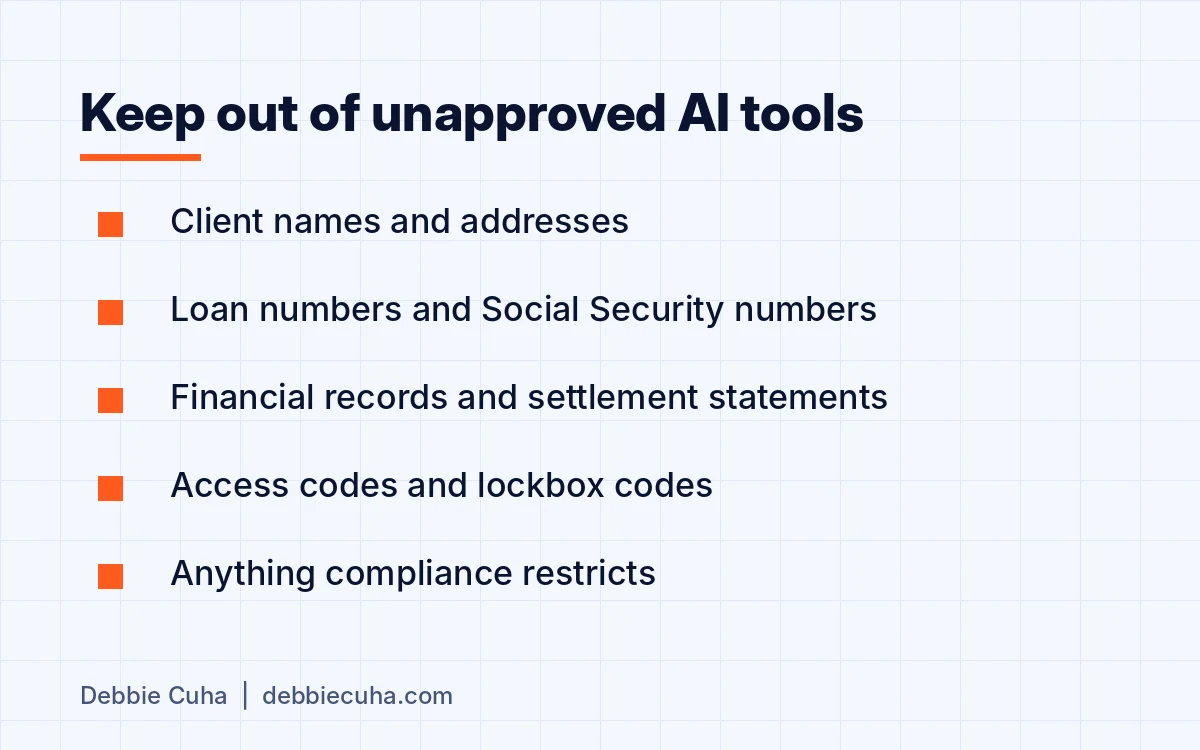
Client and transaction data, unless your company has vetted and approved the tool for it. Record the task on a test file, or strip the details before you paste.
- Client names, addresses, loan numbers, Social Security numbers
- Financial records and settlement statements
- Access codes and lockbox codes
- Anything your broker or lender compliance policy restricts
The National Association of REALTORS covered this on November 8, 2026 in what you can and shouldn't put into AI. Its director of emerging technology, Sharon Love-Bates, advises keeping financial records, settlement statements, access codes and confidential transaction documents out of tools that have not been vetted and approved for business use.
If your team has no AI policy yet, Aaron Cuha's AI policy for small business is a one-page template covering approved tools, data that never leaves the business and where a named person must review the output.
Which AI tool should you use?
The one your broker or company has approved. The tool matters far less than the transcript you give it and the check you run afterward. I am not going to recommend a product. They change every quarter. The seven steps do not.
How do you keep an AI-drafted SOP current?
The same way as any other: it goes into the quarterly SOP audit with a date at the top. When the task changes, record it again and rerun the workflow. Do not ask the tool to "update" an old SOP from memory.
Finished and tested SOPs can then feed a team knowledge base. Aaron's guide to an AI knowledge base for your business covers that, and it says to leave half-finished procedures out.
Does AI replace the person who writes SOPs?
No. It replaces the typing. Someone still has to decide the standard, name the owner and watch a new person try to follow the page. If you are deciding which procedures to write first, start with the SOPs every real estate team needs.
Next steps
- Get the free 12-SOP kit and put your name on the first five.
- See how SOP consulting works if you want these built for your team.
- Or email me a question at dc@syngp.com. I read every one.