The CRM Cleanup SOP: Fix Your Database in One Week
By Debbie Cuha, October 27, 2026. 6 min read
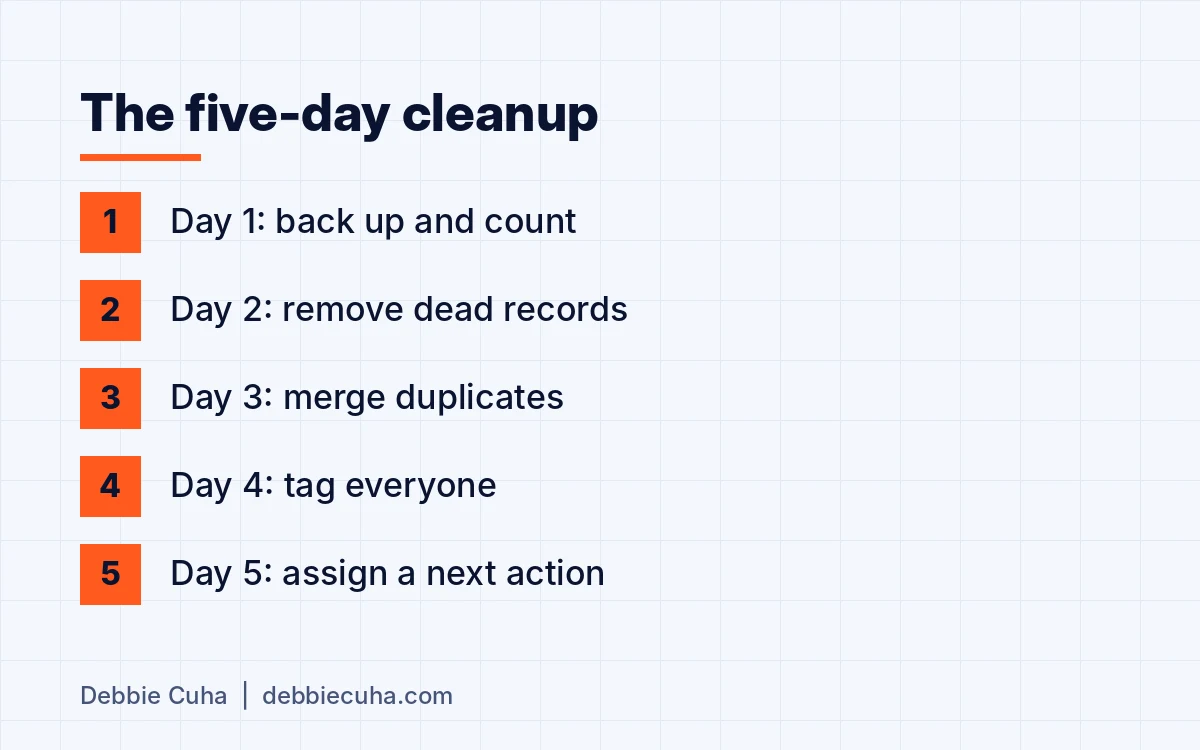
You clean a CRM in five working days by doing five things in order: export a backup, remove the dead records, merge the duplicates, tag everyone who is left, and assign every record a next action. Then you set one weekly rule so you never have to do it again.
Key takeaways
- A CRM can be cleaned in five working days with a fixed procedure.
- Back up and count before you delete anything.
- Mark unsubscribed contacts do not contact. Never delete them.
- Every contact gets one relationship tag, one status tag and a next action with a date.
- Fifteen minutes every Friday keeps it clean.
A dirty database is not a technology problem. It is a missing procedure. I was CFO of a company with 280 offices, and my position has not changed: a database is only as good as the rule for what goes into it.
How do you clean a CRM in five days?
One job a day, in a fixed order, each with a test that tells you the day is done.
| Day | Job | Done when |
|---|---|---|
| 1 | Back up and count | The export is saved with the date and six numbers are written down |
| 2 | Remove | No working record is left without a phone or an email |
| 3 | Merge | A sort by phone and a sort by email show no repeats |
| 4 | Tag | Every record has one relationship tag and one status tag |
| 5 | Assign | Every record has a next action and a date |
What do you do before you delete anything?
Export the full database to a spreadsheet, save it with the date, and write down your starting numbers. The export is your undo button. The numbers are your before picture, and you will want them on Friday.
| Count | Monday | Friday |
|---|---|---|
| Total contacts | ||
| No phone | ||
| No email | ||
| No activity in 12 months | ||
| No tags | ||
| No next action |
What should you delete, and what should you archive?
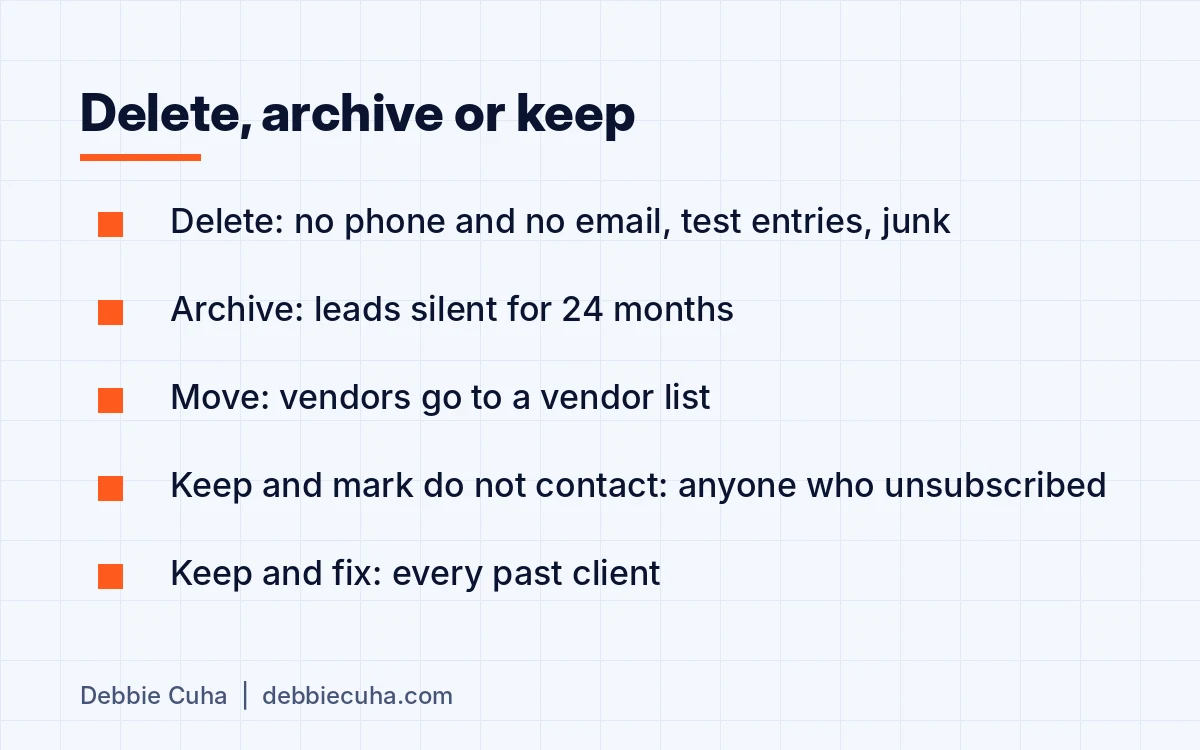
Delete what was never a real contact. Archive what was real and went quiet. Mark anyone who asked you to stop, and keep the record.
| Record | Action | Why |
|---|---|---|
| No phone and no email | Delete | There is no way to reach them |
| Test entries and obvious junk | Delete | Never a person |
| Bounced email and no other contact method | Delete | Same as no contact method |
| Vendors mixed into the client list | Move to a vendor list | They are not leads |
| Lead older than 24 months with no reply to anything | Archive | Out of the working list, still searchable |
| Unsubscribed, or asked not to be contacted | Keep and mark do not contact | Delete the record and the next import brings them back with no flag |
| Past client with old details | Keep and fix | A past client is never archived |
If you cannot bring yourself to delete, archive. Just get them out of the working list. Your broker's policy and the law on opt-outs and do-not-call lists come before this table.
Should you try to re-engage old leads before you archive them?
Once, with one personal message and a deadline. Ask whether they still plan to move. Anyone who answers gets a status tag and a next action. Anyone who has not answered in two weeks is archived.
For the people you do want back, Jason Pantana's episode on warming up cold contacts on Tom Ferry's This Week in Marketing (May 15, 2023) starts where this does: organize and pick your contacts first.
How do you find and merge duplicates?
Run the duplicate tool if your CRM has one, then sort the list by phone number and again by email to catch what the tool missed. When you merge, keep the record with the most history, and copy the notes from the other record before it disappears.
How many tags does a contact need?
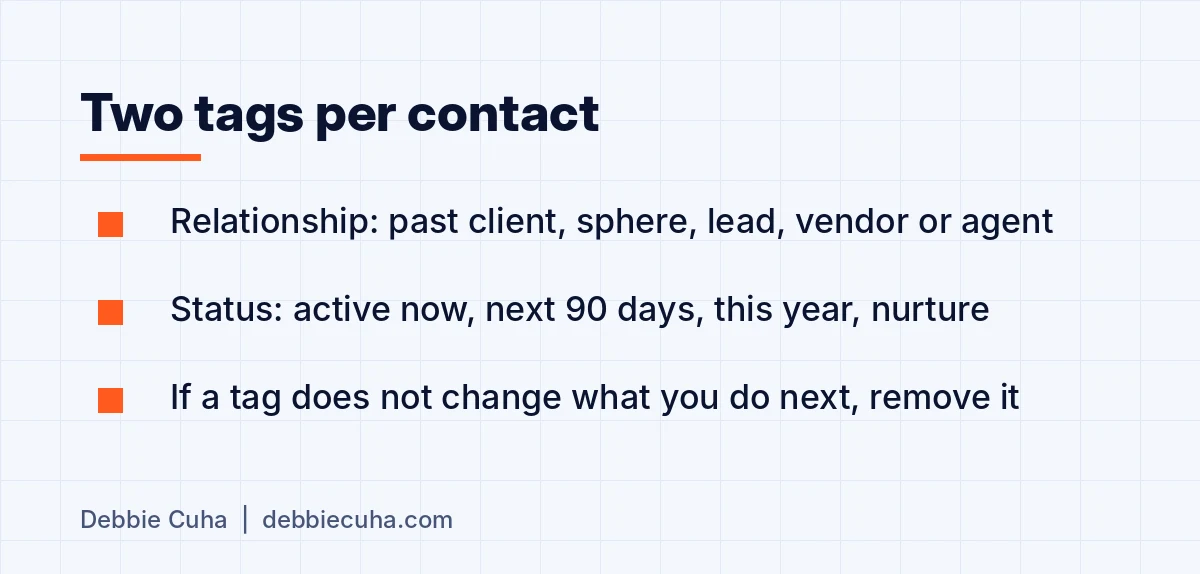
Two. One says who they are to you. One says when they are likely to act.
| Relationship | Status |
|---|---|
| Past client | Active now |
| Sphere | Next 90 days |
| Lead | This year |
| Vendor or agent | Nurture |
Two tags. Not eleven. A tag system fails when nobody can remember it. If a tag does not change what you do next, remove it.
What is a next action, and why does every record need one?
A next action is one specific step with a date and an owner: a call, a note, a market update or a nurture plan. No contact leaves Friday without one. "Zero leads in the CRM without a next task" is the standard in my 12-SOP kit.
A record with no next action is how leads go quiet, which I covered in the speed-to-lead SOP.
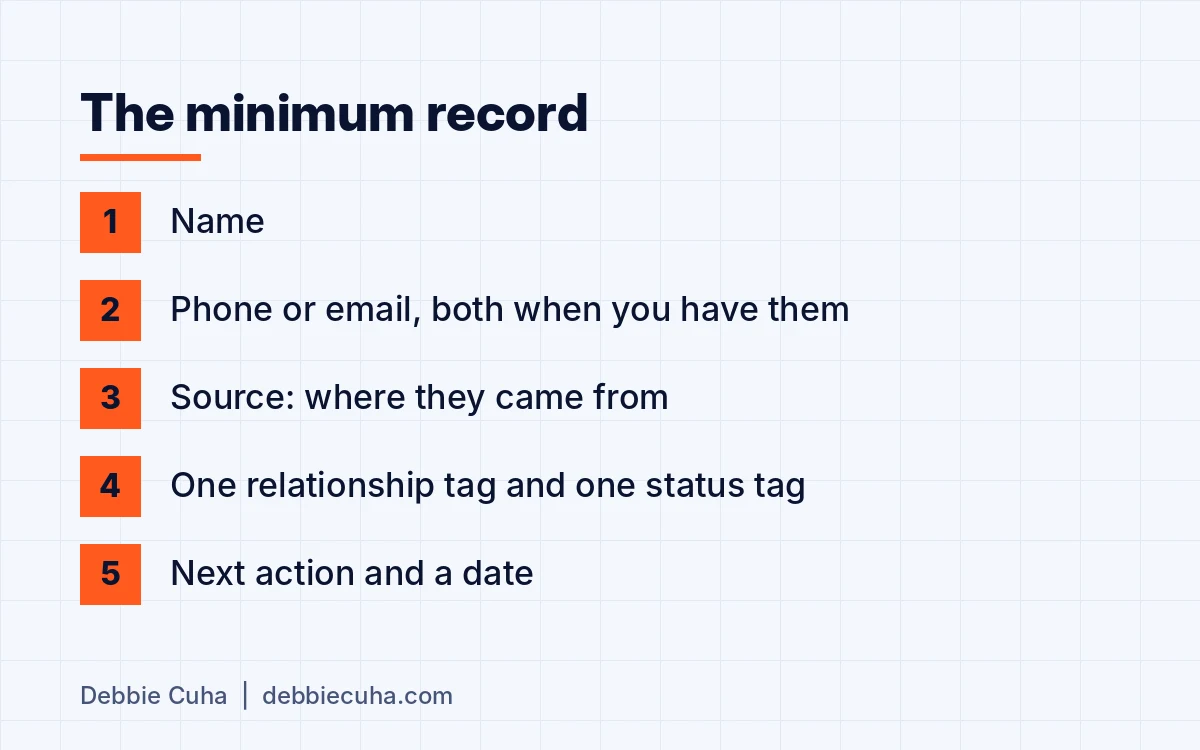
What should every new record contain?
Five fields, entered the same day the contact is made.
- Name
- Phone or email, both when you have them
- Source: where they came from
- One relationship tag and one status tag
- Next action and a date
If a field is missing, the record is not finished.
How do you know the cleanup worked?
Count again on Friday and fill in the second column. No tags and no next action should both be zero. Total contacts, no phone and no email should be smaller. If a number did not move, that day's job is not done.
Who should do the cleanup?
The first one, you or your admin with you in the room, because the decisions about who stays are yours.
After that, the Friday 15 minutes belongs to each agent for their own records. If you are thinking about your first assistant, this is a good first project to hand over with a written SOP.
How long does it take, and how often should you repeat it?
Five working days for the first cleanup, one job a day. With a large database, block the same hour each day and work one segment at a time, in the same order.
After that you should not need another big cleanup. Run the six counts once a quarter with the quarterly SOP audit.
What keeps it clean?
One standard, enforced weekly: if it is not in the CRM, it did not happen.
- Every new contact is entered the same day with both tags.
- Every conversation gets a note and a next action before the day ends.
- Fifteen minutes every Friday to clear anything untagged.
Put that in your team standards and review it in the weekly numbers meeting. The other procedures that depend on a clean database are in my guide to real estate SOPs.
Next steps
- Get the free 12-SOP kit and put your name on the first five.
- See how SOP consulting works if you want these built for your team.
- Or email me a question at dc@syngp.com. I read every one.